Developer preview
Uncompromised Codium, on your phone.
The full VSCodium desktop, running on Android at native speed. No virtual machine, no root.
Get early access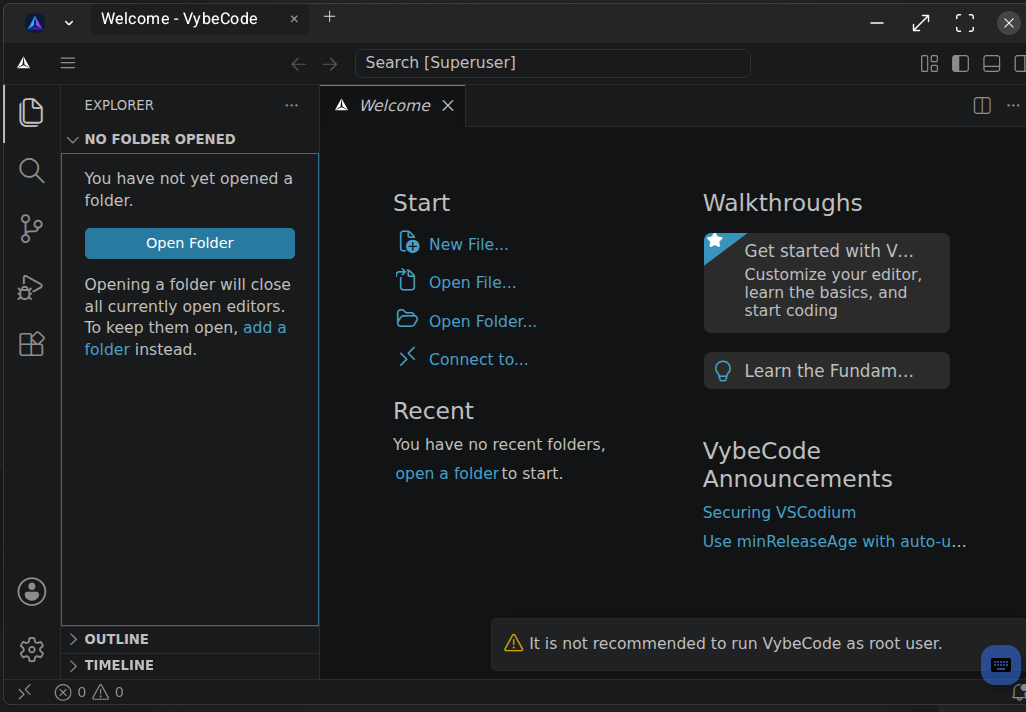
Developer preview
The full VSCodium desktop, running on Android at native speed. No virtual machine, no root.
Get early access
Genuine VSCodium, with extensions from Open VSX. Not a browser tab, not a clone.
Your code runs directly on the phone through the yroot sandbox — no emulator, no VM.
Clone repos, compile code, and run Python or Node from an integrated shell.
Add an assistant from Open VSX and point it at Claude, OpenAI, or a local model.
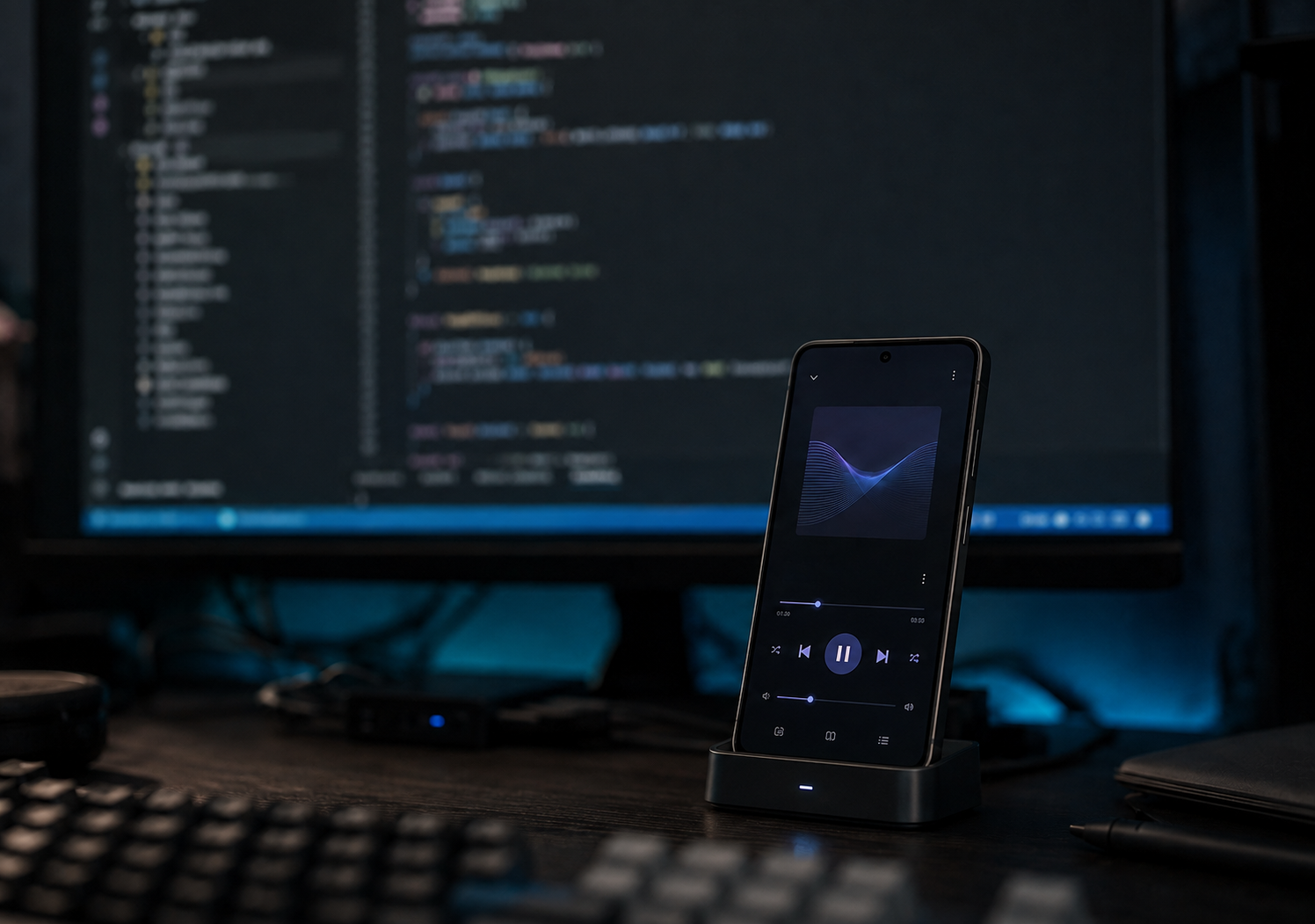
Attach it to any HDMI output and VybeCode opens as a full windowed workspace with keyboard and mouse — a total, uncompromised desktop experience.
VybeCode uses yroot, a new rootless runtime that forgoes the quirks of proot for native performance. It runs an unmodified Linux rootfs in place — no virtual machine, no ptrace, not a web-based front end, no root. Compile, test, and run code directly from your device.
No. yroot runs the editor natively on your phone's CPU — no guest kernel, no emulation, no web front-end.
No. It runs as an ordinary app.
Yes — genuine VSCodium, with extensions from Open VSX. Microsoft-only extensions aren't available on any non-Microsoft build.
Snapdragon phones, with hardware acceleration on Adreno graphics. More devices are on the way.
It's a developer preview — the core works and is improving. Distributed as a sideloaded build for now.